DualSense Haptics Over Bluetooth on PC Is Finally Here (DSX v3.2 Beta)
The DSX v3.2 beta unlocks full DualSense haptics and controller audio over standard Bluetooth on PC; no dongles, no cables, just wireless immersion.
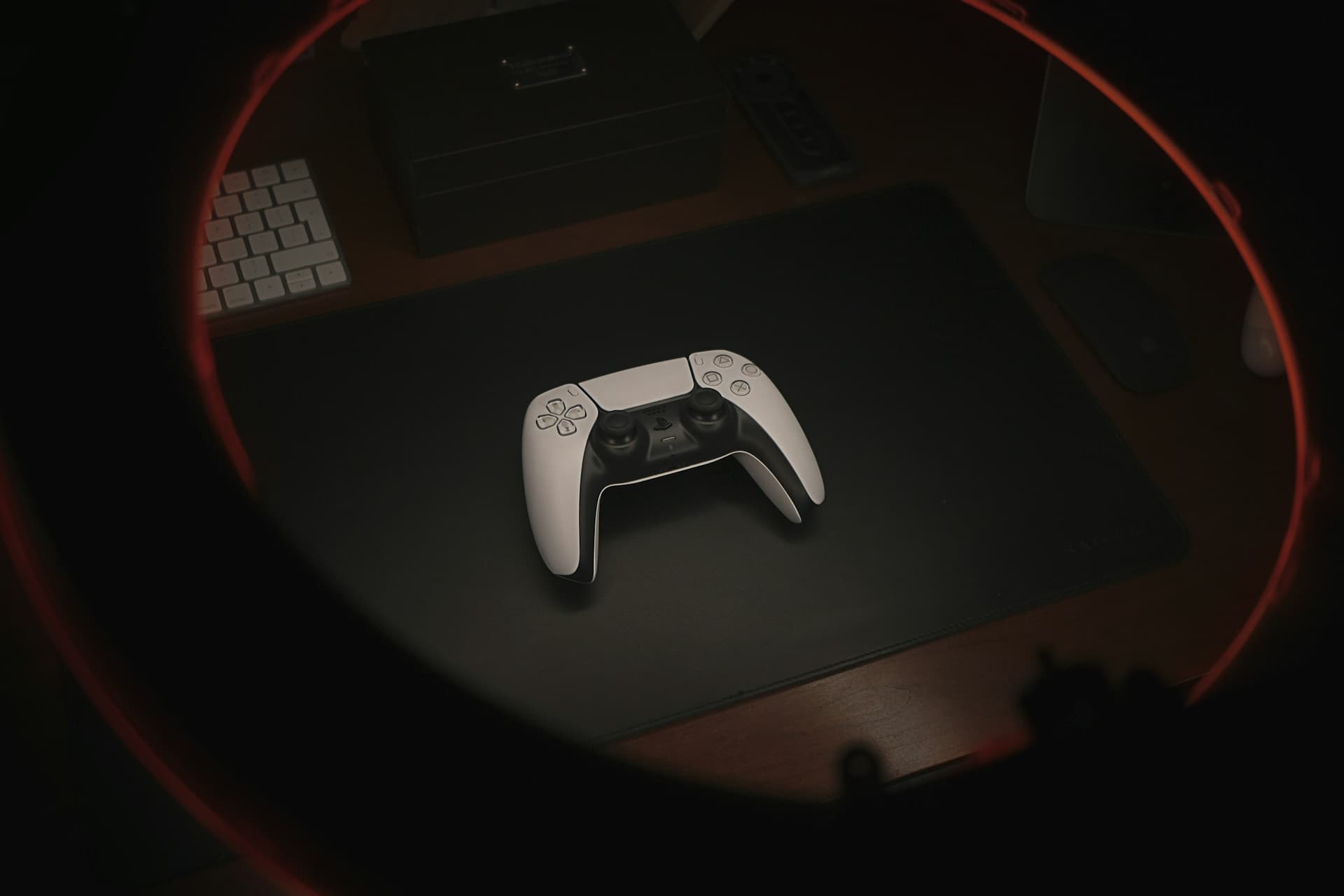
The biggest hurdle for PC gamers using a DualSense controller has always been the leash. If you wanted the full suite of next-gen features, including nuanced haptic feedback, resistive adaptive triggers, and integrated controller audio, you had to plug in via USB. For a platform defined by choice and high-end hardware, being tethered to a three-foot cable felt like a step backward.
That era is officially over.
With the release of the DSX v3.2 Beta, the community has finally achieved the holy grail of PlayStation 5 peripherals on PC. You can now experience full haptic feedback and controller audio wirelessly over a standard Bluetooth connection. No proprietary dongles. No hardware hacks. Just your controller and your PC working the way they were meant to.
It takes about 5 seconds to opt into the beta and change your gaming experience forever.
The Arsenal: What You Need to Go Wireless
Unlocking this level of immersion requires a specific set of tools. While the base DualSense drivers provided by Windows or Steam are fine for basic input, they do not support the high-bandwidth data required for haptics and audio over Bluetooth. That is where DSX comes in.
To get the full wireless experience, you will need:
- DSX Base App — Available on Steam for $7.99.
- DSX+ DLC — The Virtual DualSense and BT Audio/Haptics expansion, priced at $3.99.
- The v3.2 Beta Branch — You must manually opt into the beta branch within Steam to access the new wireless features.
The total investment is around $10.18, a small price to pay to cut the cord forever. This setup effectively creates a "Virtual DualSense" on your system. Your PC thinks a controller is plugged in via USB, while DSX handles the heavy lifting of transmitting haptic data across your Bluetooth signal.
Breaking the Bluetooth Barrier
The technical reason we have been stuck with cables for so long is simple: bandwidth. Native DualSense haptics are essentially high-resolution audio files that the controller "plays" through voice coil actuators. Standard Windows Bluetooth drivers were never designed to push that much data alongside low-latency controller inputs.
The DSX v3.2 update bypasses these limitations by emulating a wired connection in the software layer. When you launch a game that supports native DualSense features, the game sends its haptic data to what it thinks is a wired device. DSX intercepts that data and pipes it through a custom Bluetooth protocol to your controller.
The result is a wireless experience that is indistinguishable from being plugged in. You will feel the pitter-patter of rain in Returnal and the distinct resistance of a trigger pull in the latest PlayStation PC ports without a single wire crossing your lap.
Why the Verdict Matters
At Game Verdict, our goal is to get you into the game with the best possible setup. For years, the verdict for games with DualSense support often came with a caveat: "Best on controller, but you have to be wired."
This update changes the math for dozens of titles in our library. If you are playing games like Resident Evil Requiem or BioShock Infinite, having access to the full haptic range wirelessly makes the controller an undisputed champion over keyboard and mouse for pure immersion.
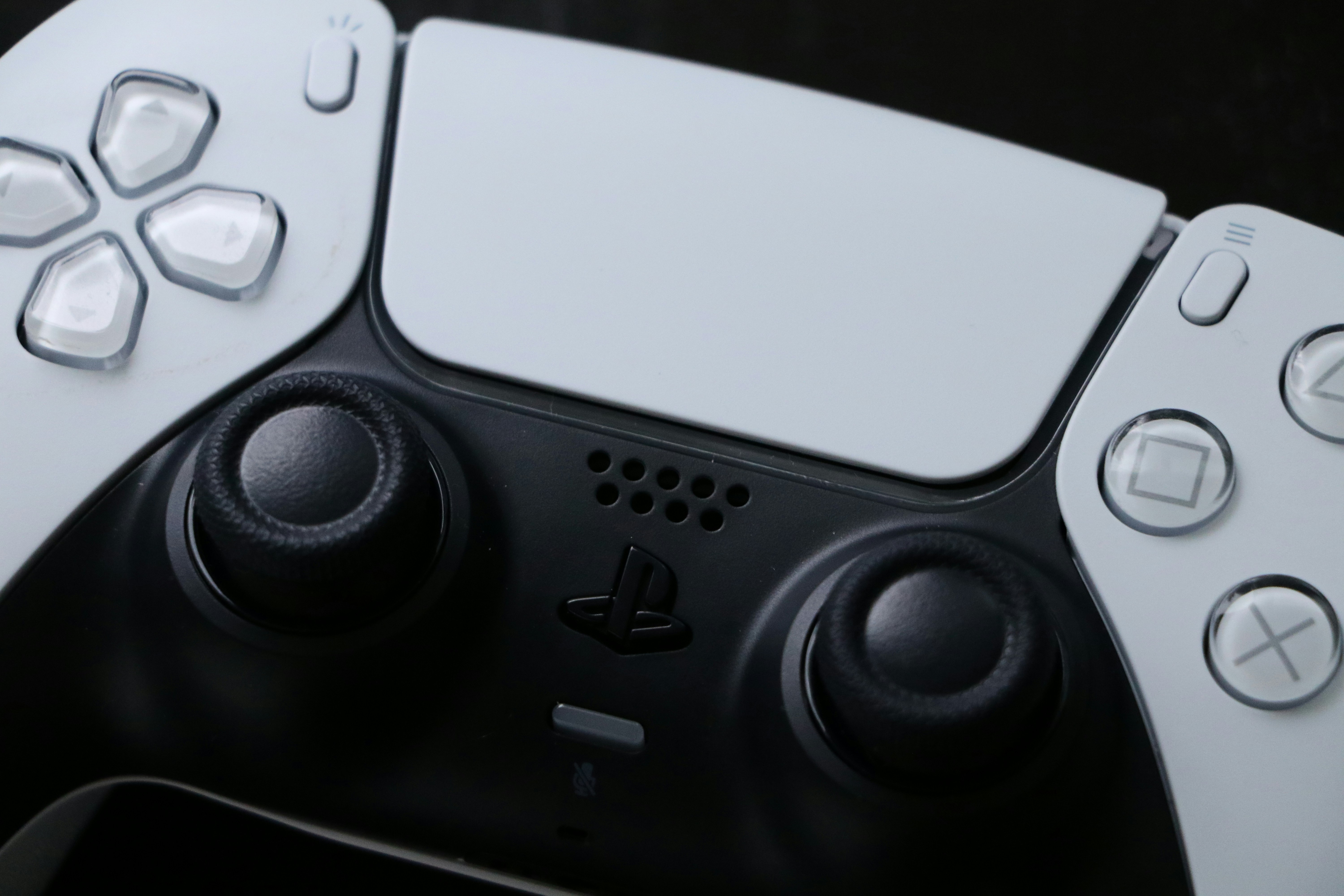
Quick Start Guide: Opting into the Beta
If you already own DSX, getting this running is straightforward. Follow these steps to join the v3.2 Beta:
- Open your Steam Library and find DSX.
- Right-click the app and select Properties.
- Navigate to the Betas tab.
- In the Beta Participation dropdown, select v3.2 - Beta.
- Let Steam download the update.
Once the update is finished, ensure the DSX+ DLC is installed and enabled. Inside the app, look for the "Virtual DualSense" settings and make sure your controller is paired via Bluetooth before you launch your game. It is a set-it-and-forget-it process that stays in the background while you play.
The Future of the PC Input Experience
We often talk about the "abyss" of PC settings, that dark place where you spend two hours tweaking deadzones and remapping keys instead of actually playing the game. DSX v3.2 is a major step toward pulling gamers out of that abyss. It provides a plug-and-play feel for wireless gaming that has been missing for years.
The ability to use the controller's speaker and headphone jack wirelessly is also a big win for couch gamers. No more running a long 3.5mm cable from your PC to your headset. You can simply plug your headphones into the controller and enjoy high-quality audio while sitting ten feet from your tower.
Final Verdict
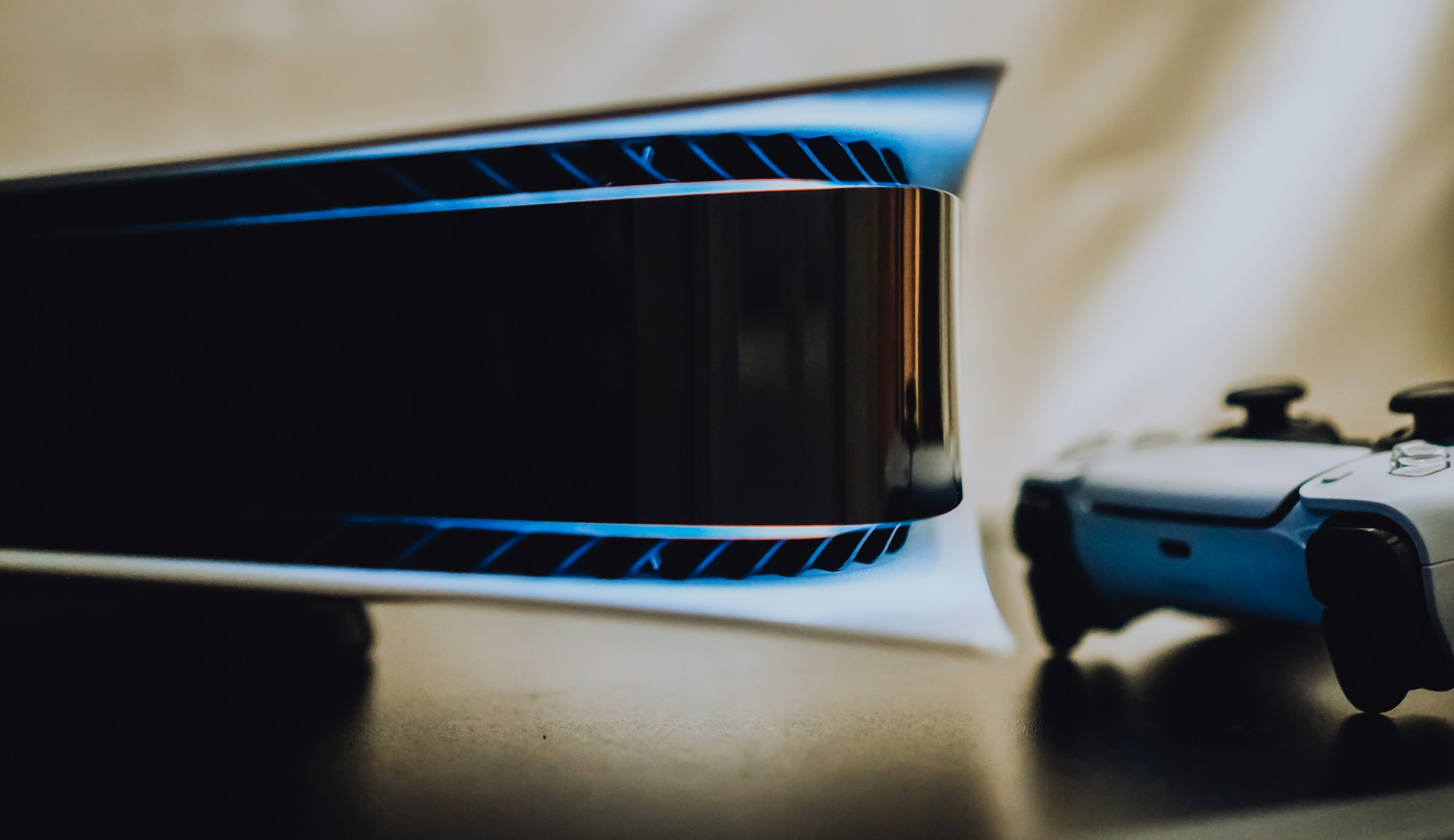
The DSX v3.2 update is the most significant improvement to the PC controller experience since the DualSense first launched. By removing the requirement for a USB cable, it turns the PS5 controller into the ultimate wireless option for your PC gaming setup.
Whether you are navigating the high-stakes streets of Grand Theft Auto: Vice City or building your empire in Medieval Dynasty, the added comfort of wireless haptics is a genuine game changer.
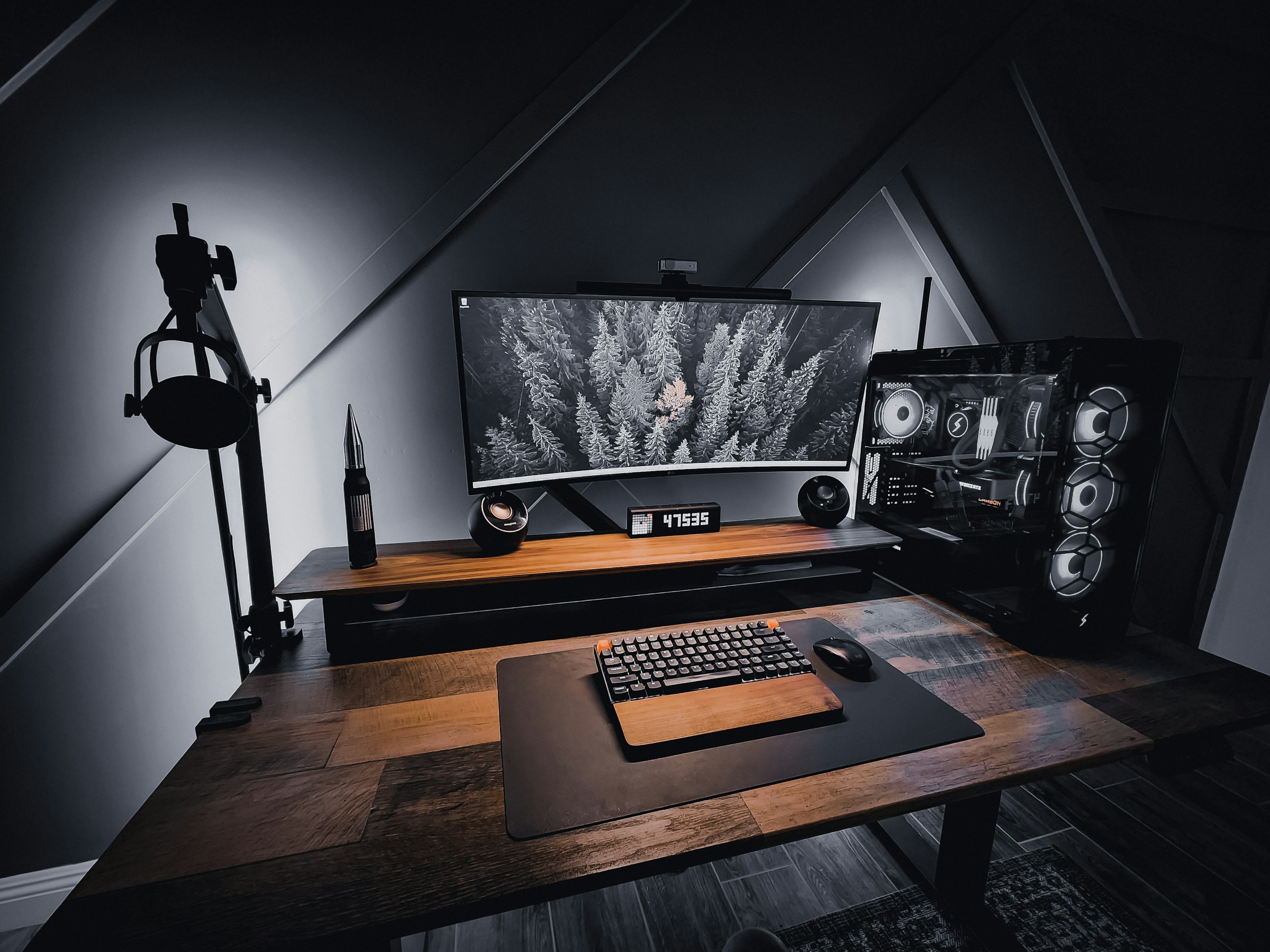
Are you ready to finally cut the cord and experience full haptics on your own terms?
- For the DualSense Setup: A DualSense Wireless Controller pairs seamlessly with DSX for the full wireless haptics experience described above.
- For a Clean Desk Setup: A Bluetooth USB Adapter with Bluetooth 5.0+ is recommended if your PC does not have built-in Bluetooth.
Affiliate Disclosure: Some of the links in this post are affiliate links, which means Game Verdict may earn a small commission if you make a purchase at no additional cost to you. This helps us keep the lights on and the community voting!